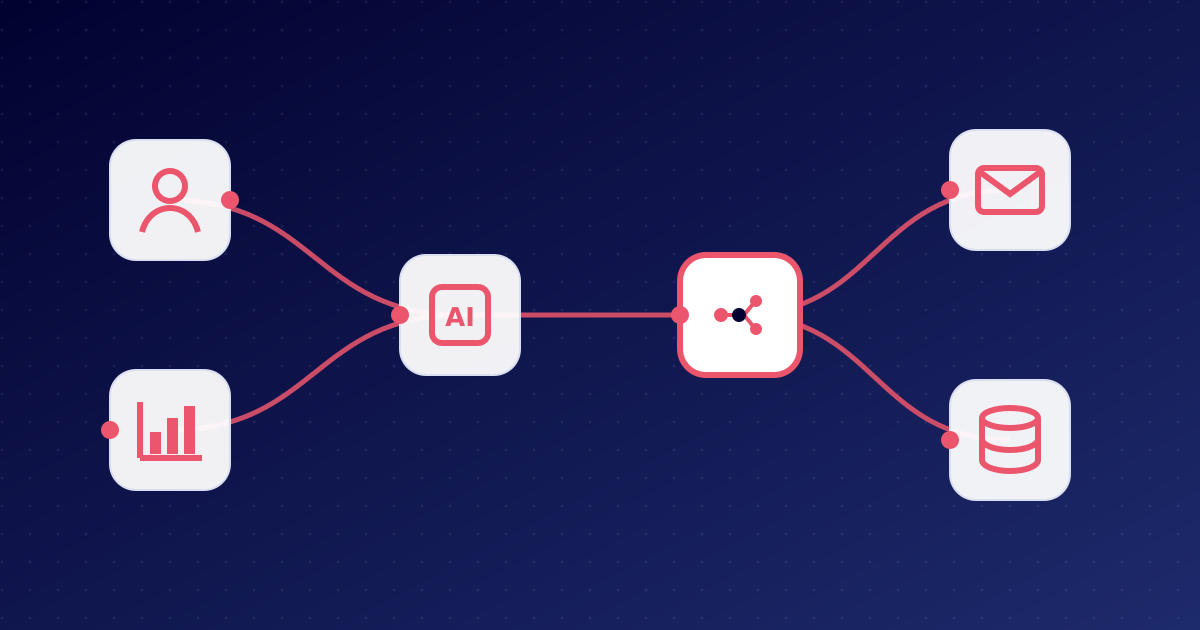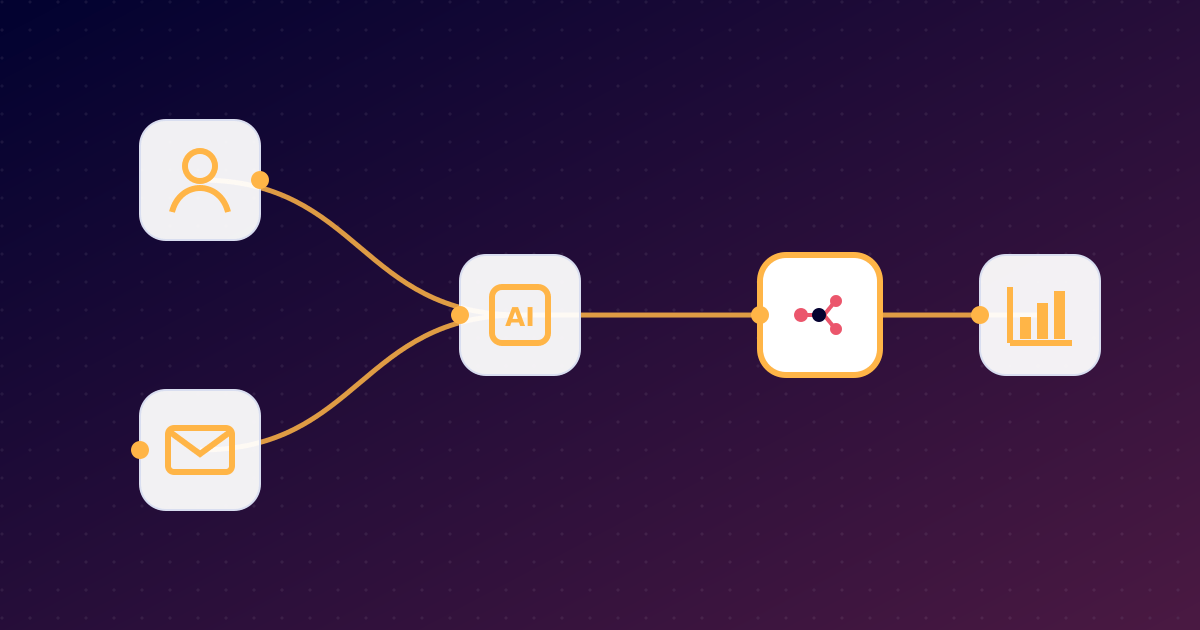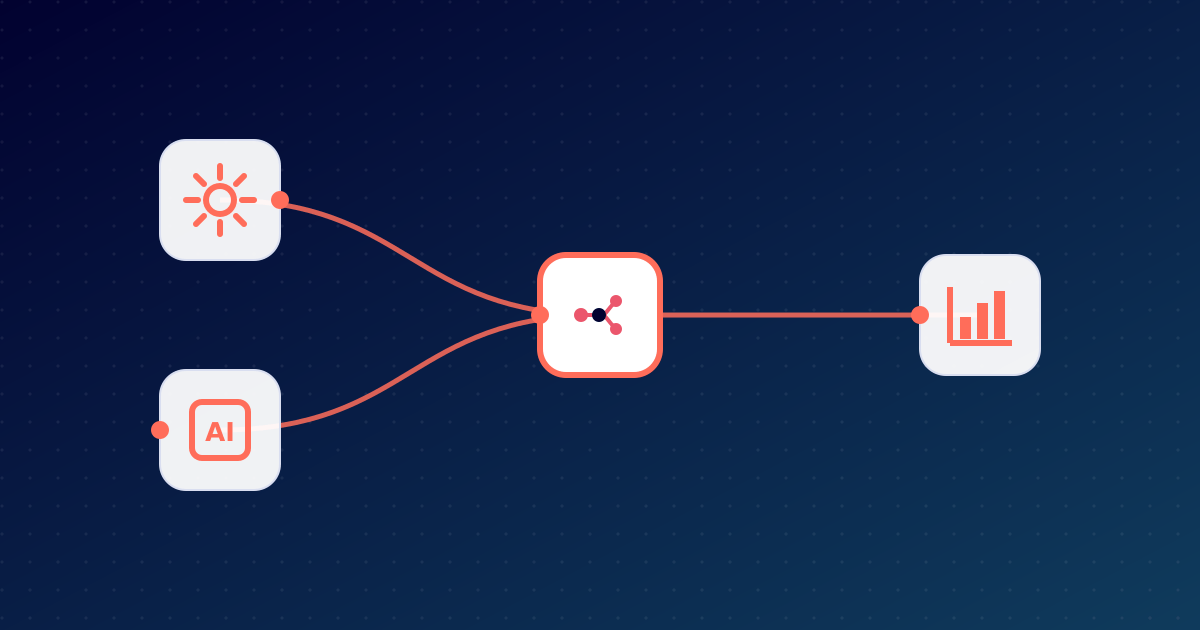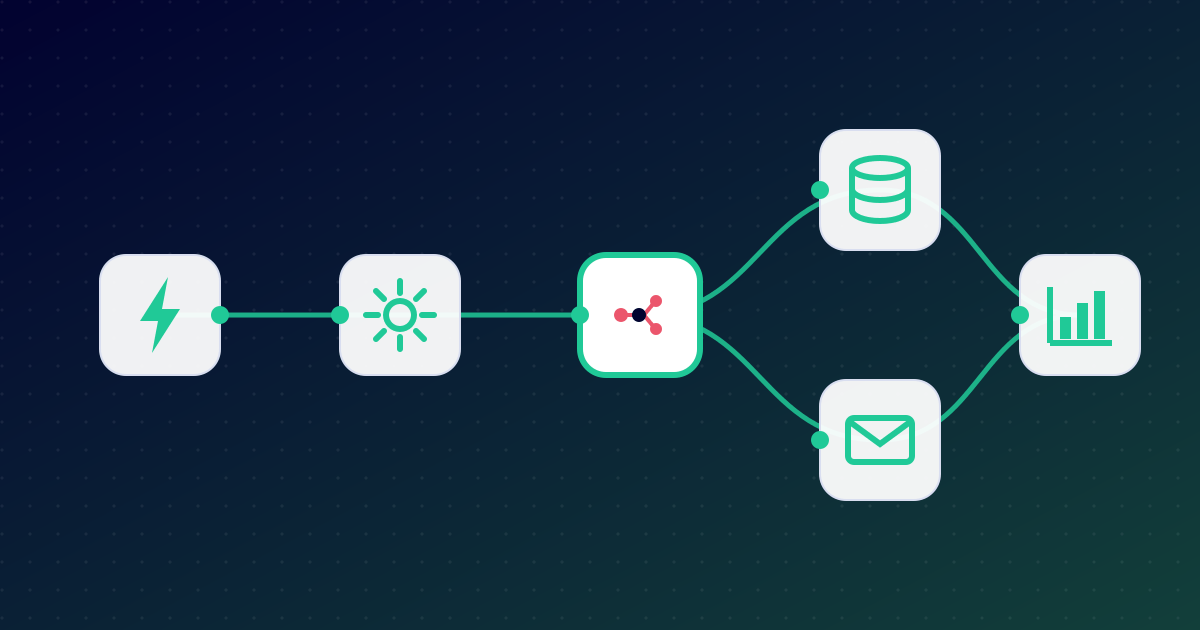
At first glance n8n looks like a diagramming tool: boxes and the lines connecting them. Behind this visual editor, however, sits a very powerful automation engine. In this article we explain the core concepts and walk through a real example.
Core concepts
Workflow
A workflow is the complete description of an automation: what starts it, which steps it consists of and what its result is. Any number of workflows can run independently in a single n8n instance.
Node
A node is one step in a workflow. Each node performs a well-defined task, for example:
- reading or writing data in an external system (Google Sheets, HubSpot, Gmail…),
- transforming data (filtering, merging, formatting),
- making decisions (IF, Switch nodes),
- running custom code (Code node),
- calling an AI model (AI Agent, OpenAI, Anthropic and other nodes).
Trigger
A trigger is the special node that starts a workflow. Types include:
- Webhook – an external system sends an HTTP request (e.g. a website form submission),
- Schedule – runs at a given time or interval (e.g. every Monday at 8:00),
- App event – e.g. a new email arrives, a new row is added to a sheet, a new order comes in,
- Manual – for testing or one-off tasks.
Credential
A credential holds access details for an external service (API key, OAuth token, password). n8n stores these encrypted, and nodes reference them by name – so secrets never appear inside the workflow.
How does data flow?
In n8n data travels from node to node as a list of items. Each item is a JSON object. If a trigger finds 10 new emails, the next node receives 10 items and processes each of them.
In any node field you can use expressions to reference data from earlier steps, for example:
{{ $json.email }} – the email field of the current item,
{{ $('Webhook').item.json.name }} – the “name” field from the Webhook node’s output.
A real example, step by step
Goal: automatically add inquiries from the website contact form to the CRM and notify the sales rep.
- Webhook trigger – on submission, the form posts its data (name, email, company, message) to an n8n webhook URL.
- IF node – checks whether the inquiry came from a business email address (not gmail.com etc.).
- AI node – summarises the message briefly and estimates its urgency.
- HubSpot node – creates or updates the contact and a new deal in the CRM.
- Slack node – posts a message to the sales channel with the summary and CRM link.
- Gmail node – sends a personalised confirmation email to the prospect.
The entire process runs in seconds, and nobody has to copy anything by hand.
Error handling
In real systems an external API sometimes fails to respond. n8n gives you several tools for this:
- node-level retry with configurable wait time,
- the “Continue on fail” option, so one error does not stop the whole process,
- a dedicated Error Workflow that runs whenever any workflow fails – e.g. to alert the person responsible.
Where does n8n run?
n8n is a Node.js application that typically runs in a Docker container, using PostgreSQL as its database in production. Under heavier load, queue mode uses a Redis queue to distribute jobs across multiple workers.
You can build this environment on your own server – but it also comes with updates, backups, firewalling, SSL certificates, monitoring and regular maintenance. Managed n8n hosting takes all of that off your plate: you simply open your browser and build workflows.
Summary
Trigger → nodes → result: that is the logic of n8n. Its visual editor makes it quick to learn, while code and AI support let you model almost any process. Not sure what you would use it for yet? Read: Why do I need n8n?