n8n (pronounced “n-eight-n”, short for nodemation) is a visual workflow automation platform with a source-available foundation. It has become one of the fastest-growing automation tools in recent years – for good reason. Here are the key ones.
1. You can run it on your own server
Most automation services (e.g. Zapier, Make) run exclusively in the vendor’s cloud. n8n, however, can be operated on your own infrastructure. That means:
- sensitive data (customer data, passwords, API keys) never leaves the environment you choose,
- you can choose an EU data centre, which simplifies GDPR compliance,
- you are not exposed to the vendor’s pricing changes.
2. No per-execution fees
Cloud competitors typically bill per step or per task. A frequently running workflow can get surprisingly expensive. With self-operated n8n, cost depends on server resources, not on the number of executions – and a flat-fee n8n hosting plan makes spending fully predictable.
3. Hundreds of built-in integrations
n8n ships with hundreds of ready-made integrations (nodes): Google Workspace, Microsoft 365, Slack, HubSpot, Pipedrive, Salesforce, Shopify, WooCommerce, Notion, Airtable, PostgreSQL, MySQL and many more. Anything not on the list is reachable through the HTTP Request node via any REST API, and community nodes extend the catalogue even further.
4. Code when you need it – no code when you don’t
One of n8n’s biggest strengths is that it does not force you to choose between no-code and development. Most processes can be built visually, but when custom logic is needed you can write JavaScript or Python in the Code node. No dead ends when a process grows complex.
5. Built-in AI and AI agents
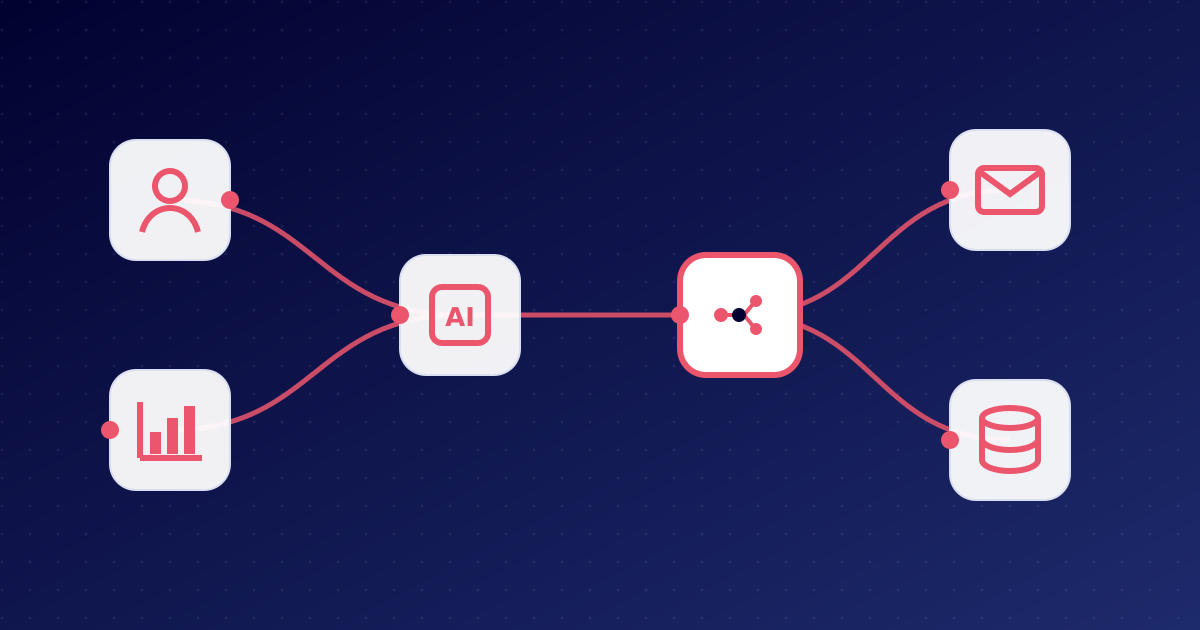
n8n natively supports large language models (LLMs) and AI agents. With a few clicks you can build:
- an assistant that categorises emails and drafts replies,
- a process that extracts data from documents (invoices, contracts),
- an internal chatbot based on your own knowledge base (RAG),
- an agent that uses several tools autonomously.
6. Transparent, visual operation
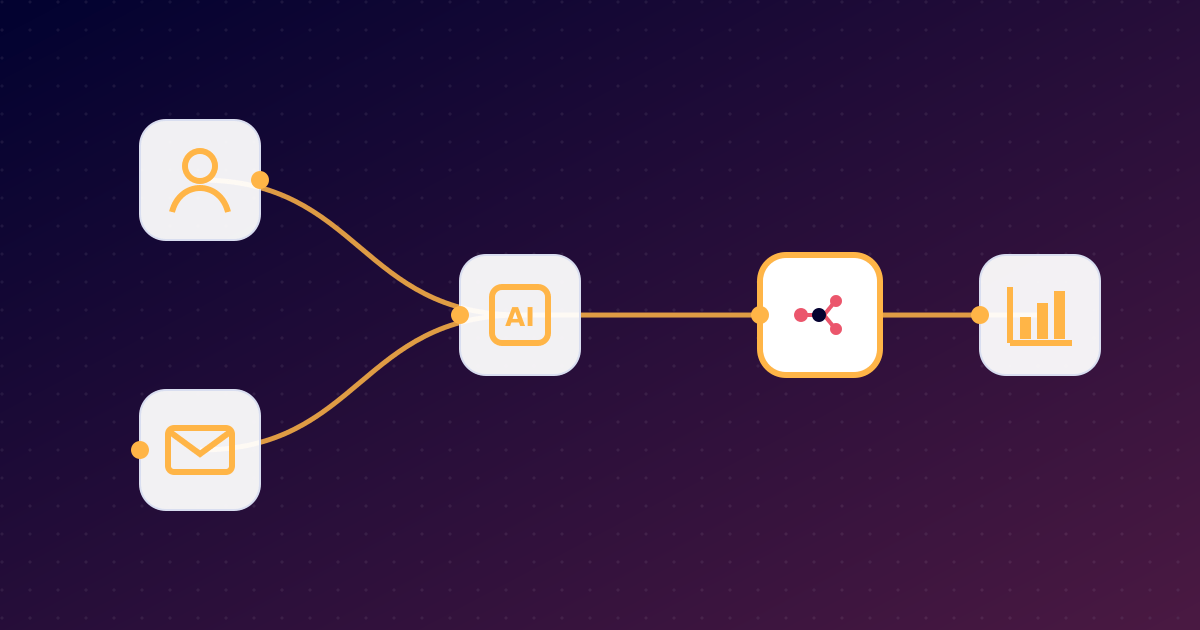
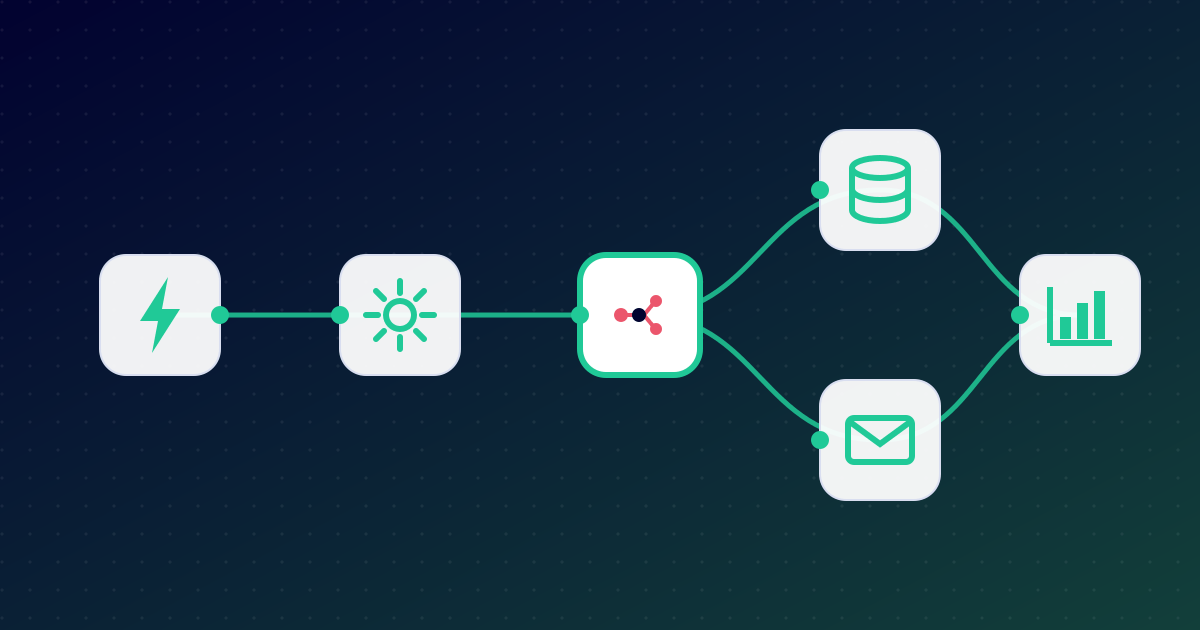
Every workflow is a clear flowchart. The input and output of every step can be inspected, so debugging and handing over a process to a colleague are easy. Execution history shows exactly what happened and when.
7. Scalable
For light loads a single n8n process is enough; for heavy loads, queue mode distributes work across several workers. The same platform can serve a freelancer and a team running thousands of executions.
8. Active community
A huge, active community has grown around n8n: thousands of shared workflow templates, a forum and plenty of tutorials help you get started.
n8n vs. Zapier vs. Make – at a glance
| Aspect | n8n (self/managed) | Zapier | Make |
|---|---|---|---|
| Can run on your own server | Yes | No | No |
| Pricing based on | Server resources | Number of tasks | Number of operations |
| Custom code | JavaScript, Python | Limited | Limited |
| Data location | Your choice | Vendor cloud | Vendor cloud |
| AI agents | Built in | Partly | Partly |
What to watch out for
n8n’s freedom comes with responsibility: when self-hosting, you have to take care of updates, backups, security and uptime. If you would rather not, managed n8n hosting is the best compromise: you keep all the benefits of n8n while experts handle operations.
Curious how it works in practice? Read our next article: How does n8n work?